
Use case · Field, safety & people
RFIs and submittals that don't stall the job.
An RFI that sits for three weeks is a schedule problem wearing a paperwork costume. Projexion tracks every RFI and submittal workflow from Procore, how long each step takes, and what's late, across every project at once.
What's on the dashboard
Examples from the dashboards contractors run in Projexion today.
Open vs late
Open RFIs and submittals next to the ones already past due.
Avg. time in workflow
How long items sit at each step, and the trend over time.
RFIs closed late
Share of RFIs closed after their due date, by project.
Submittals distributed late
Submittals that went out after they were needed.
By status
Initiated, ready for review, closed, and where the queue piles up.
Open logs
The live RFI and submittal logs, filtered to what needs a nudge.
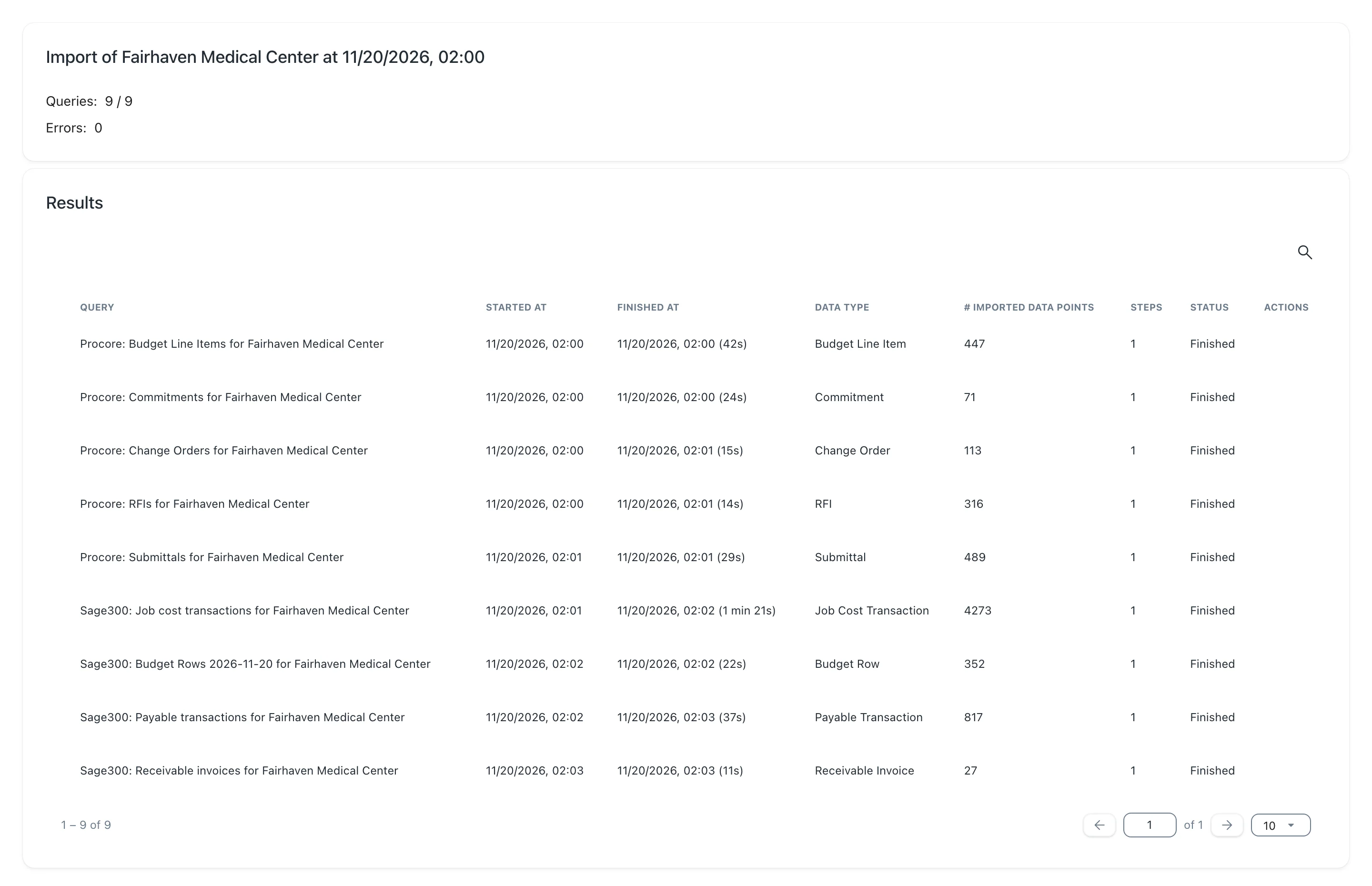
Synced every night
Every workflow, every project, one view
RFIs, submittals, and their workflow steps come in from Procore with the nightly import. The portfolio view shows which projects are falling behind on document control, and each project drills into its own log.
Workflow timing as well as counts
Late items flagged in the briefing
Same rules on every project
The features behind it
Integrations & connectors
Procore, Sage 300 CRE, Autodesk, P6/MSP, Excel, hooked up once, synced nightly.
Explore →
Nightly automatic updates
Every night the data's pulled, cleaned up, and recalculated. Nobody exports a thing.
Explore →
Dashboards & analytics
Portfolio overview and project-on-a-page views with full drill-down.
Explore →
Argus — morning briefing
Today's risks, already triaged. Which projects, why, and what to do next.
Explore →
500+ KPI library
Construction-specific KPIs and dashboards out of the box. You never start from a blank page.
Explore →
Exports
Any table or score card to Excel, CSV, or PDF, from the app, IRIS, or Claude.
Explore →
Keep the paperwork off the critical path.
See RFI and submittal timing on your own projects.